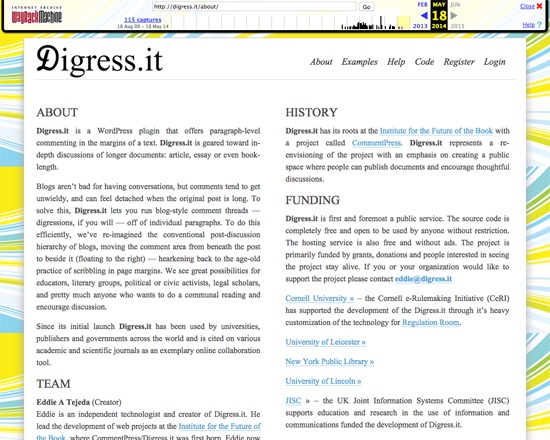
Digress.it was a free, open source WordPress plugin for annotating texts on the paragraph level, particularly of article to book-length documents. It permitted blog-like threaded discussions to occur in the margins of the text, and was aimed at facilitating scholarly, literary, political and other discussions. While the main website is no longer available, Digress.it is still available via the WordPress plugin directory.
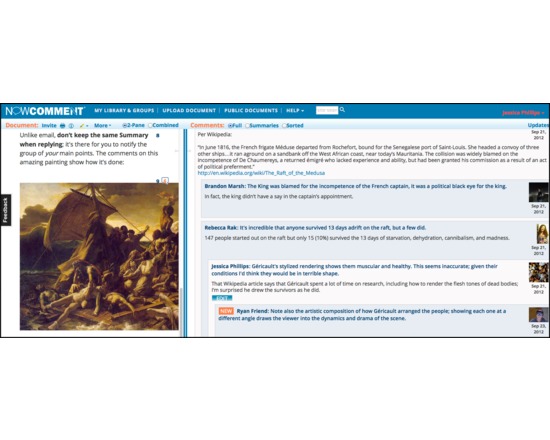
NowComment makes it easy to have rich, engaging discussions of online documents no matter how large (or small) your class or collaboration group. It's fast, powerful, and feature-rich: you can sort comments, skim summaries, create assignments, hide comments, highlight with multiple colors and meanings, and much more. Integrates to any LMS via LTI. Used in universities and K12 schools for the past 6 years.
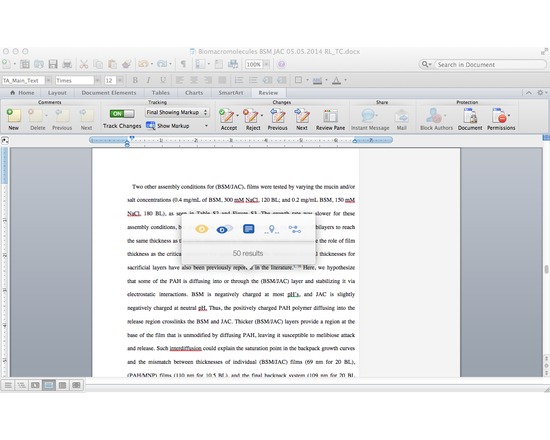
Writefull is a light-weight app that uses data from Google Books (5+ million books) and the Web to improve your writing, It compares small sections of your text to a large data set of writing found online and in Google Books. All you need to do is select a chunk of your text in your browser or text editing software, activate the Writefull popover, and choose one of its five options:
1) check the number of results (how often the chunk appears in Google Books or the Web);
2) compare the number of results (if your selected chunk appears more or less frequently than suggestions from online);
3) see examples in context (display several examples of how your selected chunk is used in different texts);
4) find words in context (see which words are used most often in your context, which you specify in your text by a star. For example, 'research should * this issue' will give you a list with 'research should address this issue', 'research should explore this issue', 'research should examine this issue', etc.);
5) find synonyms in context (see which synonyms of a word are used most often in your context, with you specifying the word you want synonyms for by two stars. For example: 'a *difficult* situation' will suggest 'an awkward situation', 'a serious situation', 'an embarrassing situation', etc).
The app works with a small popover which mean you can activate it from whatever writing tool you're using. No need to change windows - no interruption of your workflow.
N.B. Writefull 2.0 will be launching soon and will eliminate the need to purchase queries in the Web version. The $5 membership fee still applies.
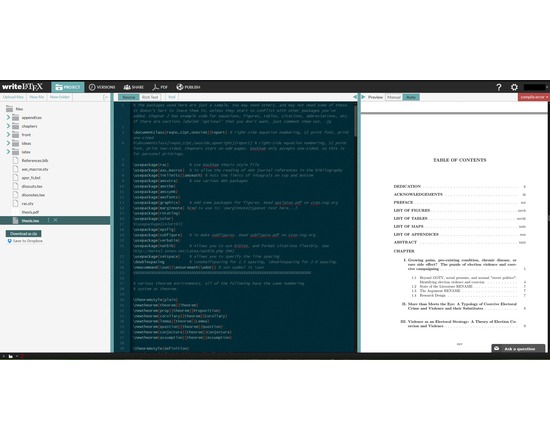
Overleaf, previously known as WriteLaTeX, is a free service that lets users create, edit and share their scientific ideas easily online using LaTeX, a comprehensive and powerful tool for scientific writing. Users can start projects with quality LaTeX templates for journals, CVs, resumes, papers, presentations, assignments, letters, project reports, and more.
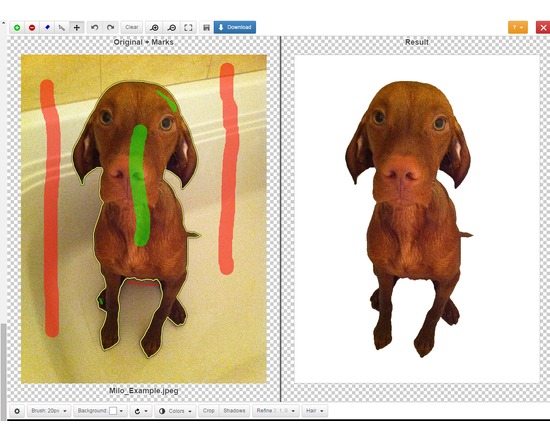
Clipping Magic lets you easily edit out the background of photos. Mark up the foreground and background in the editor, use the scalpel tool for precision selections, then download the new image. You can upload and edit as many images as you like but you must have a paid subscription to download ($4 - $15 per month depending on the number of download credits needed).
Officially supported file formats: JPEG, PNG, GIF images using sRGB color space. CMYK displays the wrong colors in the editor but the resulting image is correct. Current max image resolution is 4 megapixels. The Clipping Magic website includes tutorials for each of their tools.
Feature List:
Web based graphical user Interface, with quick feedback on your edits.
Smart Algorithm minimizes the amount of work you need to put in - you do not need to trace the entire outline of your image
Pan and Zoom to any level necessary allows you to inspect details while quickly navigating your image.
Undo / Redo
Auto-Save
Configurable Auto-Brush-Size: The brush size adapts dynamically to your zoom level so that you can easily zoom in to make detailed edits.
Refine Edges gives you full control over smoothing, feathering and offset.
Dedicated Hair Tool separates out hair from clean and distinct backgrounds.
Color Levels - tune brightness, shadows and highlights, and the color temperature.
Rotate / Straighten.
Crop & Resize
Shadows creator with both drop shadow and ellipse shadows.
Background Color or transparent background options
Configurable Defaults
Bulk Clipping
Share Your Results with a secure URL
They also offer a paid REST-oriented Web API for automating the uploading of images and downloading results. Subscriptions range from $50 to $250 per month.The editor can be integrated into a website using ClippingMagic.js
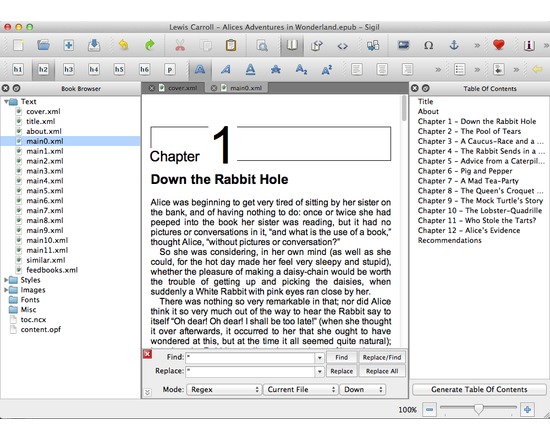
Sigil is a free, open source, multi-platform e-book editor, designed for editing books in EPUB format.
Full UTF-16 support and full EPUB 2 spec support
Multiple views: code view (complete control over directly editing EPUB syntax), book view (WYSIWYG), and preview view
Table of contents generator, metadata editor, multi-language user interface, spell checking tool, EPUB compliance validator, support for find and replace
Import, organize, and manage EPUB and HTML files, images, style sheets, audio, video, and fonts
Resources
Source code repository
Current packages
Wiki documentation
Online user guide
Sigil's development blog
Help forum at MobileRead
Translations
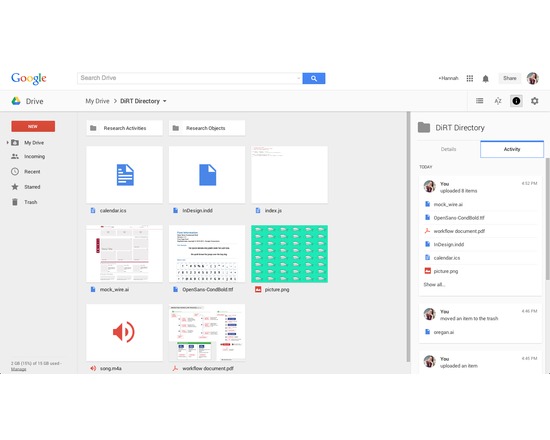
Available as a web-based service and as an app for iOS, Mac, PC, and Android, Google Drive allows users to create, store, edit, and share files across all their devices. Online and offline file access available. Requires a Google account for use, but allows files from Drive to be shared with non-Google users.
Drive allows users to upload, store, and share any type of file (e.g., JPEG, MP4, JS, INDD, AI). The majority can be previewed, and many can be edited within Drive. Some files (e.g., DOCX, XLSX, PPTX) can be converted into compatible file types for editing, commenting, and more. Drive is the platform for Google Sheets, Docs, Slides, and many other approved applications. Files saved in Drive sync to all other devices, with an activity monitor that can be useful for version control (see what edits have been made and when, and revert back to previous instances if needed).
Offers both free and paid accounts, priced by data capacity: 15 GB (free), 100 GB ($1.99/month), 1 TB ($9.99/month), 10 TB ($99.99/month), 20 TB ($199.99/month), 30 TB ($299.99/month). Teams with more than five people can purchase unlimited storage for $10/user/month.
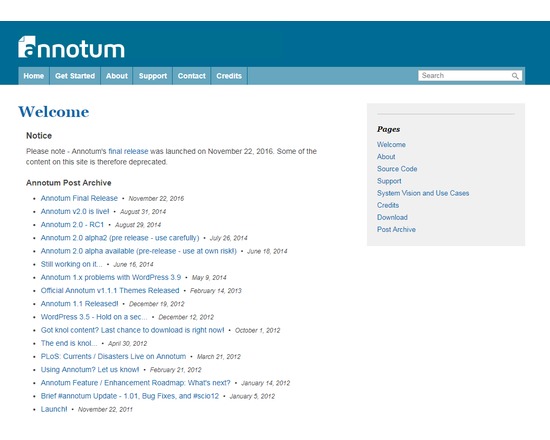
Annotum is an open-source, open-process, open-access scholarly authoring and publishing platform based on WordPress.
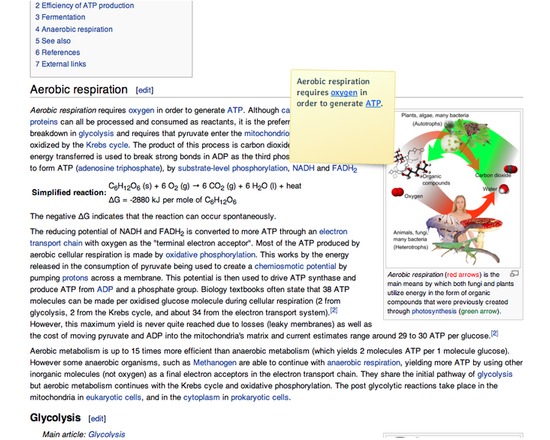
MyStickies allows you to place virtual sticky notes on websites, viewable each time you visit the page. Requires users to create an account, and install either a browser extension or bookmarklet. When logged in, MyStickies provides an interface to browse, search, sort, and edit existing sticky notes. May be useful for annotating research from multiple online resources, or for collaborative, interactive editing across a team.
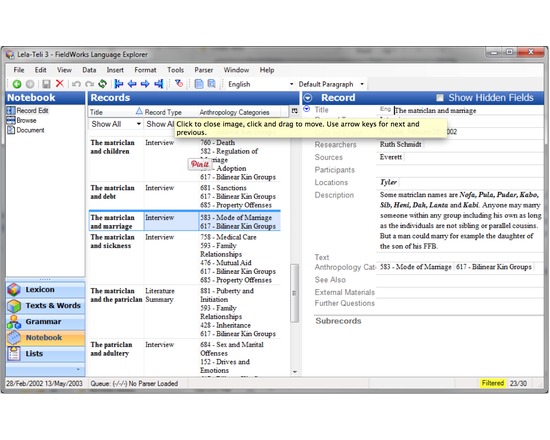
FieldWorks consists of software tools that help you manage linguistic and cultural data. FieldWorks supports tasks ranging from the initial entry of collected data through to the preparation of data for publication