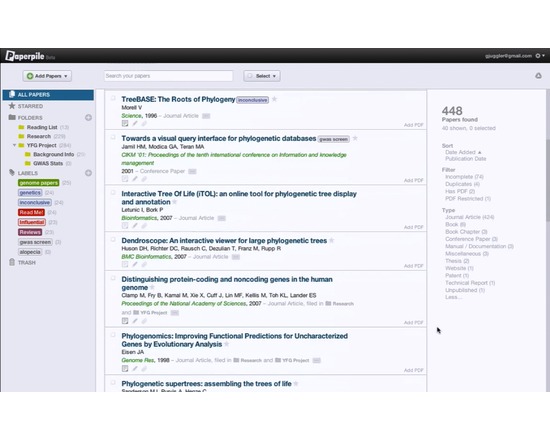
Paperpile is a web-based commercial reference management software with special emphasis on integration with Google Docs and Google Scholar. It imports data from academic publisher websites and from databases such as PubMed, Google Scholar, Google Books, and arXiv. Paperpile can retrieve and store publication PDF files to the user's Google Drive account.
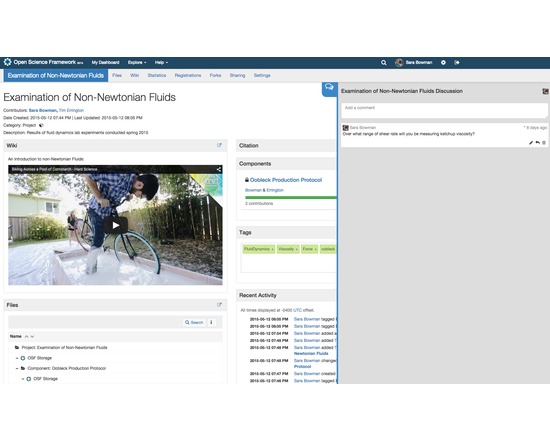
The Open Science Framework (OSF) is a free, open source tool designed to help researchers manage the entire research workflow: planning, execution, reporting, archiving and discovery. It is part collaboration software and part version control system. The OSF can be used to manage individual projects or large collaborative ones. Privacy and sharing settings allow for fine-grained control over access to files and materials stored on the platform - share privately with collaborators or publicly with the community at large. Each project, contributor, and file on the OSF is given a persistent unique identifier, making all research products citable. The platform also mints DOIs and ARKs through DataCite. A collaborative wiki allows contributors to work on writing materials simultaneously.
API connections with other services (Github, Dropbox, Box, Dataverse, Google Drive, figshare, Zotero, Mendeley, Amazon S3) allow researchers to connect other services they already use in order to see all their materials in one place. The OSF also offers a registry for preregistering research projects and/or analysis plans.
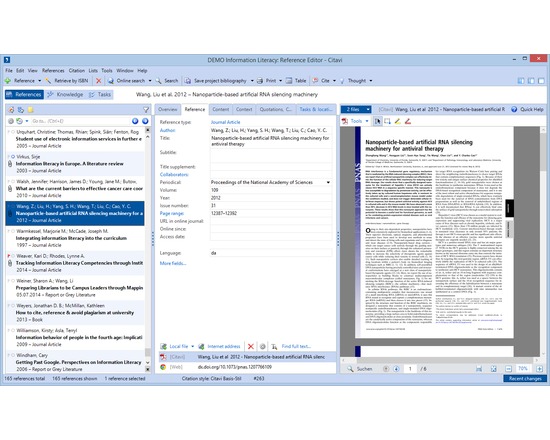
Citavi's core features are reference management, knowledge organization, and task planning.
Reference management
Search in thousands of databases and library catalogs from within Citavi
Organize references
Annotate and automatically rename PDF files
Batch import PDF files and import their metadata automatically
Find fulltext to references
Collaborate with others on a local network (no need to have your data in the cloud)
Import from other reference management programs and formats, including RIS and BibTeX
Import ISBNs, DOIs and PubMed-IDs on web pages with a click
Import web pages with a click
Transform web pages into PDF files to save their content
Work seamlessly with Word (versions from 2003)
Send references to Open Office and LibreOffice Writer and any program that can process files in RTF (i.e. Scrivener)
Use with LaTeX editors
Create subject bibliographies with a click
Publish in all common citation styles. Styles for journals can be requested" target="_blank" for free
Integrated citation style editor
Advanced style finder
Integrated quick help
Interface and quick help in seven languages (English, French, German, Italian, Polish, Portuguese, Spanish)
Knowledge organization
Import text excerpts and images from documents as quotations and organize them together with summaries, comments and own ideas imported as "thoughts"
Quotations, summaries, comments and thoughts can be outlined directly in Citavi to reflect the structure in chapters of the publication prior to the actual writing, thus permitting to separate the construction of the argumentative structure from the actual writing process
Task planner
Schedule tasks related to titles (order, photocopy, extract citations, read, check, ...) and milestones
Print lists of to do lists with a click
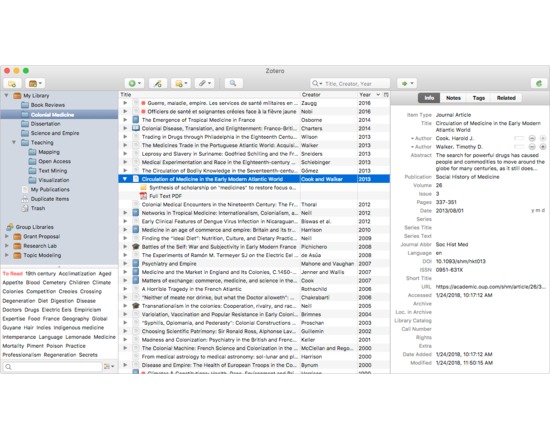
Zotero is a free tool that collects, manages and cites research sources. It stays on your web browser where you do your work and it's easy to use. It's being downloaded as a firefox extension, used with the chrome and safari browsers or used as a standalone tool. It allows you to attach pdfs, notes and images to your citations, organise them into easily searchable collections for different projects, and open office using any of over 2800 citation styles. references can be added to a zotero library in many different ways: directly from databases, journal websites, google scholar or the library catalogue, by referencing file import ( for example from an Endnote library), by dragging in pdfs from your hard drive, and by entering them manually.
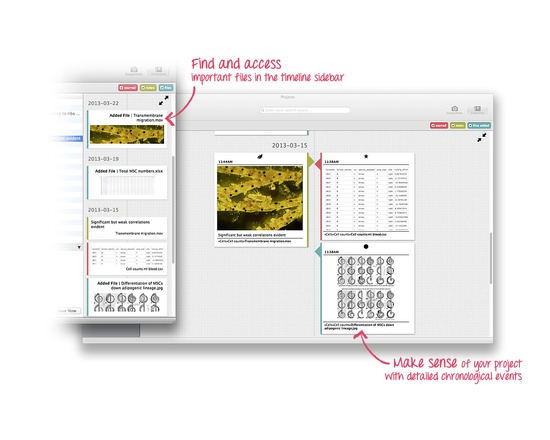
Projects allows researchers to organise and manage all their research outputs in a safe, simple and structured way. It’s designed to help academics, at any stage of their career, keep track and stay on top of all their results. It’s a light, useful and slick application that integrates into a researcher’s existing workflow to help them work more efficiently and ensure they have more time for making discoveries.
RefWorks allows users to create personal databases and use them for a variety of research activities. References are quickly and easily imported from text files or online databases. The databases can then be used to manage, store, and share the information. Users can automatically insert references from their database into their papers and generate formatted bibliographies and manuscripts in seconds.
RefWorks allows you to…
Organize and create a personal database online – no more index cards to write out and organize. Everything is done automatically as you import the reference into RefWorks.
Format bibliographies and manuscripts in seconds – this saves hours of typing time and decreases the number of errors in creating tedious bibliographies. Easily make changes to your paper and reformat in seconds.
Import references from a variety of databases using the already created Import Filters.
Manage Alerts – RefWorks has incorporated a RSS feed reader to allow you to establish links to your favorite RSS feeds and import data from those feeds directly into RefWorks.
Searching your RefWorks database is fast and easy – RefWorks automatically creates author, descriptor and periodical indexes when importing so you just click on the word to perform the retrieval. Use Quick Search to search all fields for the most comprehensive results or Advanced Search to narrow your search to specific terms and fields.
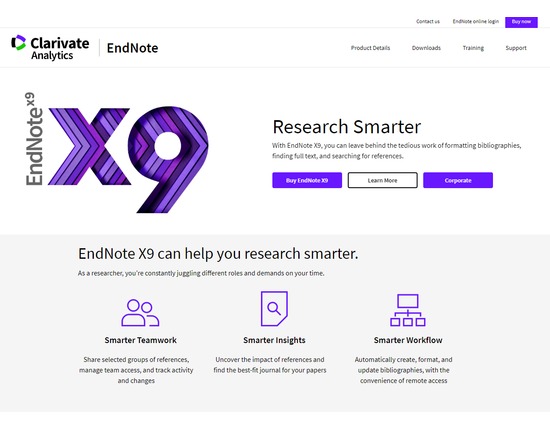
EndNote is a reference management tool developed by Thomson Reuters that allows users to:
Search databases right within EndNote
Collect full-text PDFs in one click
Organize references
Organize, rename, annotate, search and open PDFs
Sync desktop and online libraries
Build and format bibliographies
Write, polish and publish
Share research with colleagues and team members
Network and collaborate privately with your own team, or openly with the wider research community