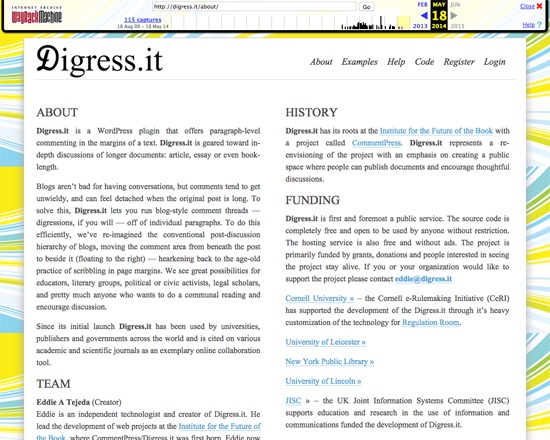
Digress.it was a free, open source WordPress plugin for annotating texts on the paragraph level, particularly of article to book-length documents. It permitted blog-like threaded discussions to occur in the margins of the text, and was aimed at facilitating scholarly, literary, political and other discussions. While the main website is no longer available, Digress.it is still available via the WordPress plugin directory.
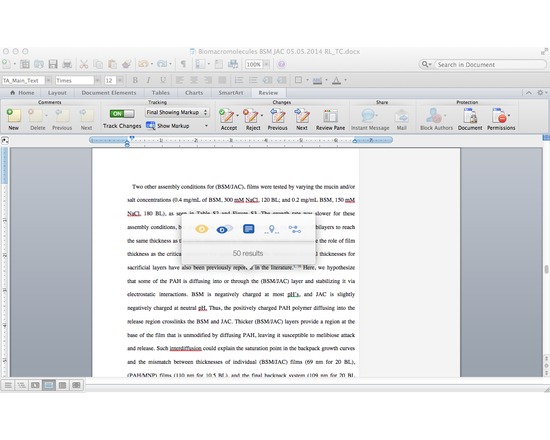
Writefull is a light-weight app that uses data from Google Books (5+ million books) and the Web to improve your writing, It compares small sections of your text to a large data set of writing found online and in Google Books. All you need to do is select a chunk of your text in your browser or text editing software, activate the Writefull popover, and choose one of its five options:
1) check the number of results (how often the chunk appears in Google Books or the Web);
2) compare the number of results (if your selected chunk appears more or less frequently than suggestions from online);
3) see examples in context (display several examples of how your selected chunk is used in different texts);
4) find words in context (see which words are used most often in your context, which you specify in your text by a star. For example, 'research should * this issue' will give you a list with 'research should address this issue', 'research should explore this issue', 'research should examine this issue', etc.);
5) find synonyms in context (see which synonyms of a word are used most often in your context, with you specifying the word you want synonyms for by two stars. For example: 'a *difficult* situation' will suggest 'an awkward situation', 'a serious situation', 'an embarrassing situation', etc).
The app works with a small popover which mean you can activate it from whatever writing tool you're using. No need to change windows - no interruption of your workflow.
N.B. Writefull 2.0 will be launching soon and will eliminate the need to purchase queries in the Web version. The $5 membership fee still applies.
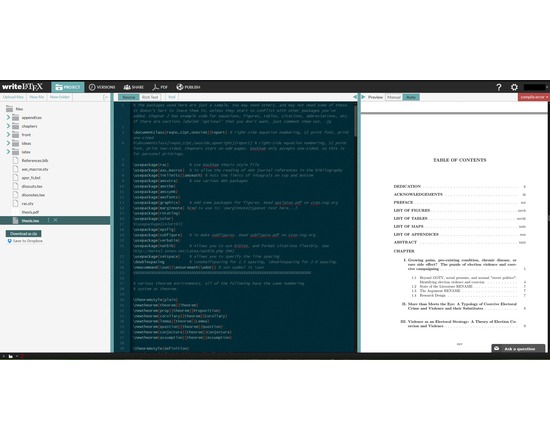
Overleaf, previously known as WriteLaTeX, is a free service that lets users create, edit and share their scientific ideas easily online using LaTeX, a comprehensive and powerful tool for scientific writing. Users can start projects with quality LaTeX templates for journals, CVs, resumes, papers, presentations, assignments, letters, project reports, and more.

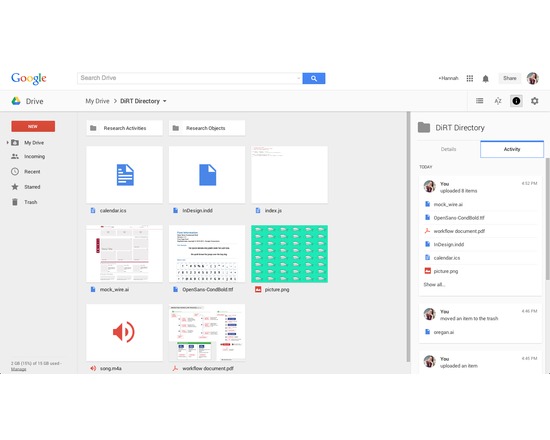
Available as a web-based service and as an app for iOS, Mac, PC, and Android, Google Drive allows users to create, store, edit, and share files across all their devices. Online and offline file access available. Requires a Google account for use, but allows files from Drive to be shared with non-Google users.
Drive allows users to upload, store, and share any type of file (e.g., JPEG, MP4, JS, INDD, AI). The majority can be previewed, and many can be edited within Drive. Some files (e.g., DOCX, XLSX, PPTX) can be converted into compatible file types for editing, commenting, and more. Drive is the platform for Google Sheets, Docs, Slides, and many other approved applications. Files saved in Drive sync to all other devices, with an activity monitor that can be useful for version control (see what edits have been made and when, and revert back to previous instances if needed).
Offers both free and paid accounts, priced by data capacity: 15 GB (free), 100 GB ($1.99/month), 1 TB ($9.99/month), 10 TB ($99.99/month), 20 TB ($199.99/month), 30 TB ($299.99/month). Teams with more than five people can purchase unlimited storage for $10/user/month.
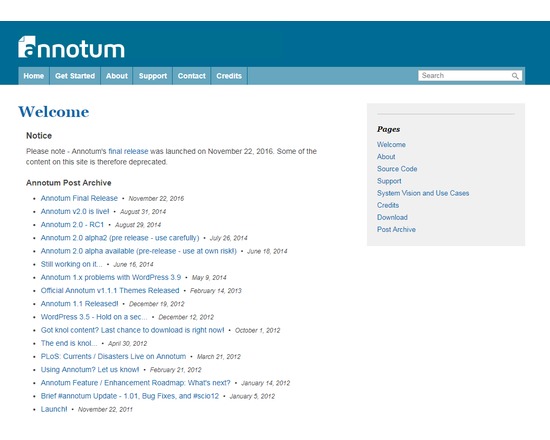
Annotum is an open-source, open-process, open-access scholarly authoring and publishing platform based on WordPress.
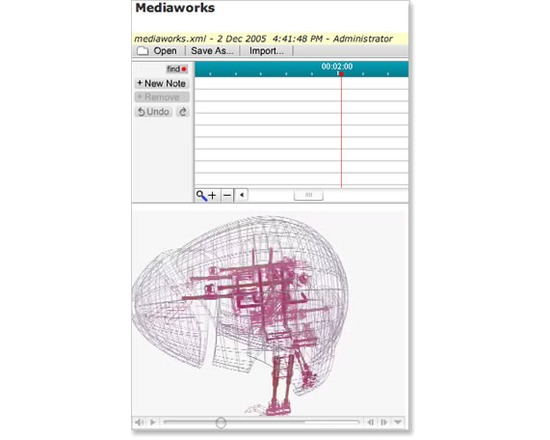
Project Pad is web-based system for media annotation and collaboration for teaching and learning and scholarly applications. Project Pad provides tools for browsing and working with audio, video, and images from digital repositories. The user may organize and annotate excerpts within their own "online notebook." Available as a standalone web application or set of Sakai tools.
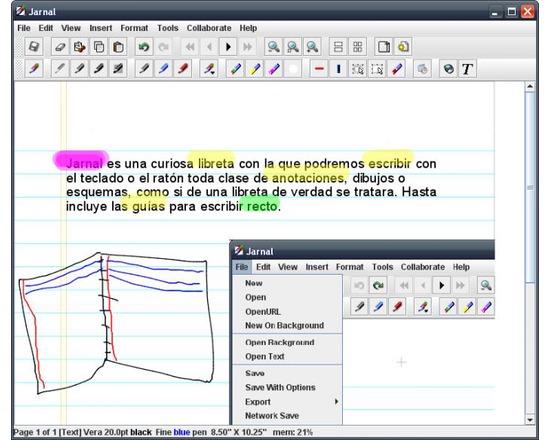
Jarnal is an open-source application for notetaking, sketching, keeping a journal, making a presentation, annotating a document - including pdf - or collaborating using a stylus, mouse or keyboard. It is similar to Microsoft Windows Journal and to the earlier Mimeo whiteboarding and Palm notepad applications.
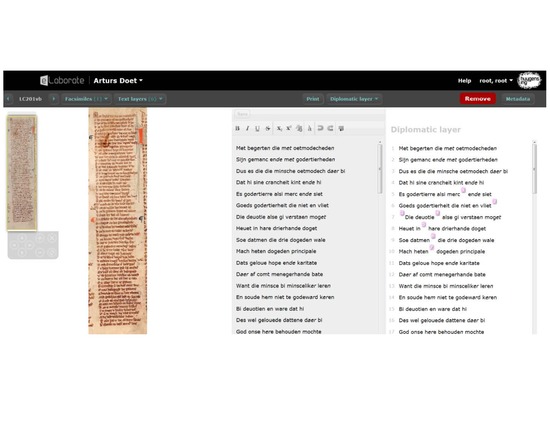
eLaborate is an online work environment in which scholars can upload scans, transcribe and annotate text, and publish the results as on online text edition which is freely available to all users.
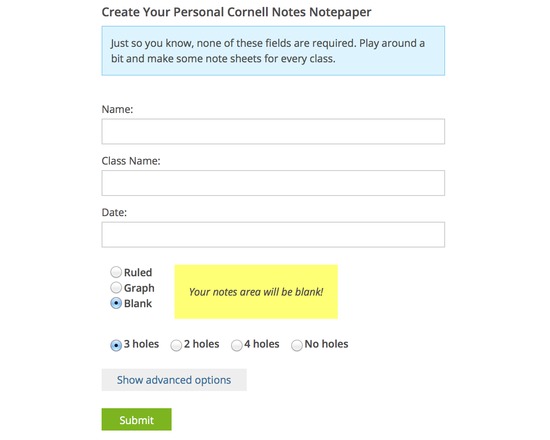
This is a simple tool for creating custom notetaking sheets (ie blank, ruled, or graph style). You may automate the generation of the sheets to customize them with your name, date etc.