Skip to content
TAPoR Text Analysis Portal for Research

Tools

Sort by Name Rating ↑ Date

Collaboration

Diva.js

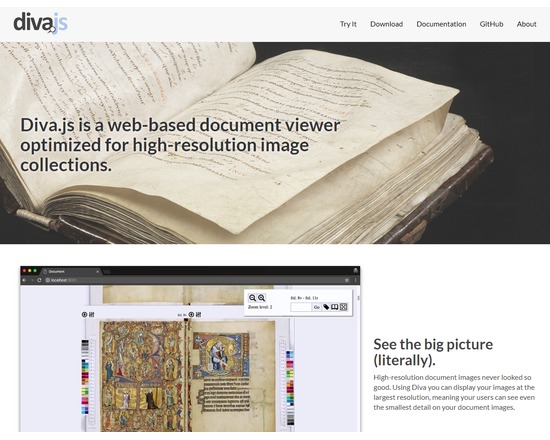
Diva.js (Document Image Viewer with AJAX) is a JavaScript book image viewer designed to present multi-page documents at multiple resolutions. Using Diva.js, high resolution images can be delivered to scholars interested in studying fine details of archival collection images.

Rated 0.0 out of 5.

Search

Doodle

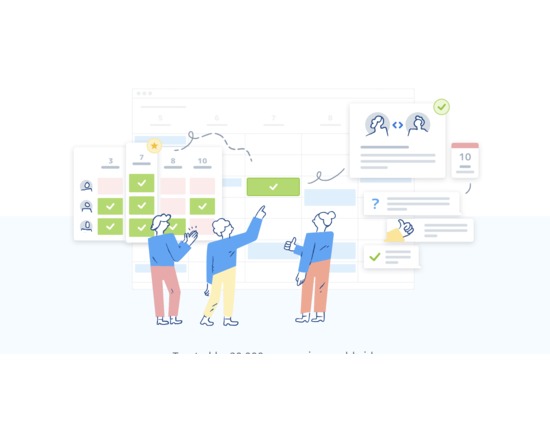
Doodle is an online scheduling tool to help collaborators find a common time to meet. An organizer can set up a number of proposed meeting times and send a survey to participants who indicate availability. The free version offers scheduling and the option for a MeetMe page, which allows users to see your available time slots; paid versions include options such as calendar integration, automatic reminders, SSL encryption, and seeing who is missing. Private plans are $39 a year and business/group plans vary in price, which is dependent on the number of Doodle organizers. Ideal for team work planning and easy to use.

Rated 0.0 out of 5.

Publishing

GAMS

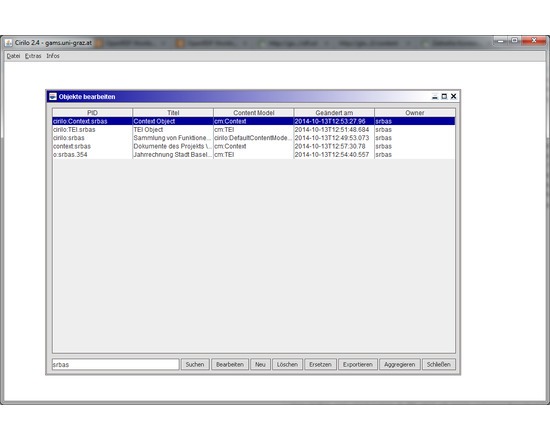
GAMS/Cirilo is an application developed for content preservation and data curation in FEDORA-based repository systems. Content preservation and data curation include object creation and management, versioning, normalization and standards, and the choice of data formats. The client offers functionalities which are especially prone to be used as tools for mass operations on FEDORA objects, such as ingest or replacement processes. Cirilo uses a collection of predefined content models, which can be used without further adjustments for standard workflow scenarios like the management of collections of TEI objects. It encapsulates functions for the resolvement of place names or ontology concepts, thus semantically enriching resources in the digital archive. Various dissemination options can also be assigned with the client. Cirilo is a contribution to the DARIAH-EU task “Reference Software Packages. The source code of the client can be found at https://github.com/acdh/cirilo, the documentation is available at http://gams.uni-graz.at/doku. An „archive-in-a-box“-installation package (Client including a FEDORA 3.5 instance) for Debian-based Linux-distributions can be downloaded from http://gams.uni-graz.at/download/cirilo-installer-2.4.tar.gz

Rated 0.0 out of 5.

Publishing

Artifex Press

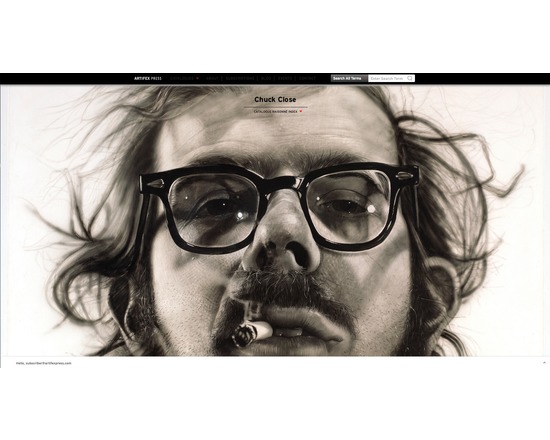
Artifex Press is a publishing and technology company that digitally publishes catalogues raisonnés, a comprehensive, annotated documentation of all of the known artworks by an artists. They have developed a proprietary, patented software platform and a dedicated publishing program in order to create digital catalogues raisonnés. They offer both their own digital catalogues raisonnés and the ability to licence the software to produce your own projects. Catalogues raisonnés have typically been published book but the information they contain is constantly in flux and printed versions are rarely complete and accurate for long. The online version produced by Artifex Press is more accessible, more flexible, more time- and cost-efficient, and above all, more accurate and up-to-date than the traditional printed counterpart.In addition to the digital publication, Artifex Press creates digital archives for all the artists with whom they work. The Artifex Press software is available for licensing, for catalogue raisonné projects run by outside organizations including artist studios, foundations, and estates. The company is open to new collaborations looking to preserve the legacy and intellectual property of artists and estates. Research & Archive Tool Digital content management: create links between artworks, publications, exhibitions, collectors, venues, institutions, and other relevant categories build artwork records with data files such as title, date, medium, dimensions, inscriptions, editions, provenance, condition, installation instructions, and comments store multiple images and private documents in each record Web-accessible: software is available anywhere with an internet connection Unlimited storage: there are no storage limits and performance of your catalogue is not affected by large data sets Attention to your needs: Software has been shaped by the feedback of multiple catalogue editors, researchers, and artist studio managers to determine the most useful, practical, and intuitive tools and features Compatibility: You can import existing databases and convert them to fit Artifex fields without losing information Publishing Tool Publish to a selected audience only: control your user group or make your content available to the public Publish while withholding confidential information: define public and archive only sections of your collection Flexible design: customize the look and feel of your catalogue including the homepage, artwork views and editorial pages Ease of navigation: design features have been rigorously tested to ensure ease of use Multimedia content: include any number of images, videos, audio clips, and other multimedia content Real-time accuracy & cataloguing: by updating provenance as well as exhibition and literature histories, you can maintain the accuracy of the content; you can also expand the catalogue to include newly discovered information and newly created artworks. Assistance: Artifex Press are available to make the editing and publishing process as easy as possible. For more information or to set up a live tour of the software and learn about their research & editorial servces contact: info@artifexpress.com

Rated 0.0 out of 5.

Organizing

Meaki

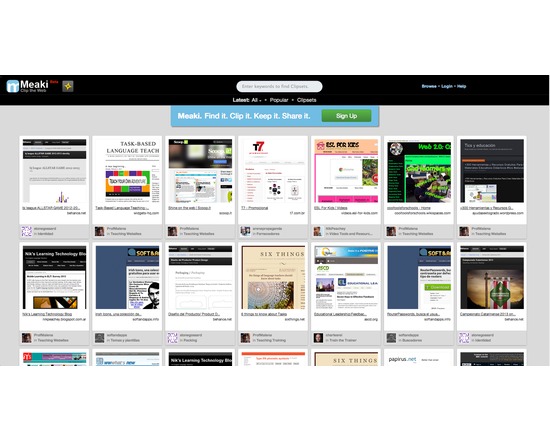
Meaki allows you to clip, organize and share web pages into a visually engaging Clipset. It is similar to other pinboard applications like Pinterest, but allows users to clip entire websites rather than just images and organize them in a sharable, visual collection. Meaki has a built in social component, clipsets are public and can be browsed by anyone. Meaki is a brower application. Just make an account on Meaki.com and put the “Bookmark Button” in your bookmarks toolbar. Once you come to a webpage you want to clip, click on the Meaki button, and it will guide through clipping and saving the page. Features: Simple and easy to use. Save webpages for later viewing purposes – never loose a website you love. Search other clippings and Clipsets on Meaki to find new and interesting websites. *NB At the time this review was written (Nov 10/14) the Meaki.com website was not online and no message about the future of the service was available.

Rated 0.0 out of 5.

Collaboration

Editors' Notes

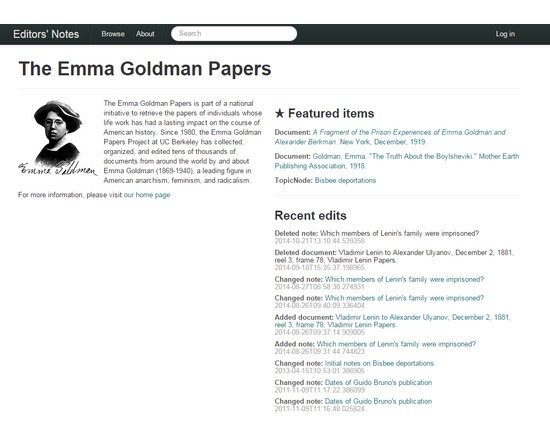
Editors' Notes is an open-source, web-based tool for recording, organizing, preserving, and opening access to research notes, built with the needs of documentary editing projects, archives, and library special collections in mind. Projects that work closely with documents—researching, contextualizing, and ordering them—invariably produce massive amounts of thorough research notes which are too often locked away in filing cabinets or the minds of editors and curators, never to be seen by anyone. The Editors' Notes project is a collaboration between the editors of the Stanton-Anthony Papers, the Emma Goldman Papers, the Margaret Sanger Papers, and the Labadie Collection which aims to preserve those research notes in a way that makes them useful to future scholars and interested minds. Research teams can use Editors' Notes to manage their research and note-taking. Project administrators can assign research tasks to other team members, and they can control who has permission to edit their project's notes. Notes can be organized around documentary sources or thematically around topics (or both). Users can browse by topic, search full text, and filter using bibliographic metadata. Documents can be annotated with bibliographic metadata, topic keywords, and textual notations. Researchers can also upload scanned images of documents into the zoomable interface. Researchers can annotate specific passages in document transcripts. Annotations, like other notes, can include bibliographic metadata and topic keywords and are fully searchable. In addition to creating annotated transcripts, researchers can upload scanned images of documents, which can be viewed in a zoomable interface. New accounts are by invitation only. Request an invitation. Editors' Notes is currently in limited beta release (Nov 10/14)

Rated 0.0 out of 5.

Capture

Scholastica

Manage and publish your existing journal, or lead the Open Access movement in your field by starting a new journal. Scholastica makes it easy to collaborate on a journal and publish scholarship at the click of a button.

Rated 0.0 out of 5.

Collaboration

CiteULike

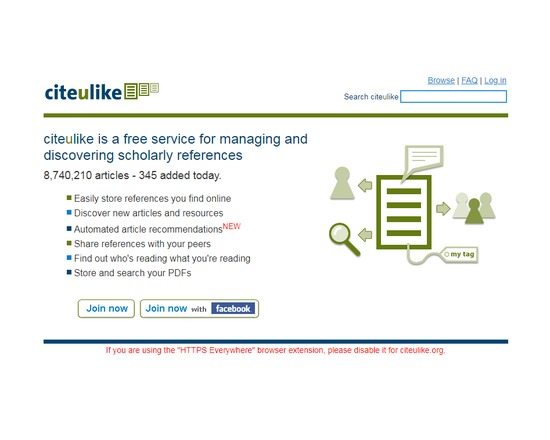
CiteULike is a free service to help you to store, organise and share the scholarly papers you are reading. When you see a paper on the web that interests you, you can click one button and have it added to your personal library. CiteULike automatically extracts the citation details, so there's no need to type them in yourself. It all works from within your web browser so you can access it from any computer with an Internet connection. CiteULike supports annotation and rating of items, and upload of attachments (e.g. PDF file). (Attachments are only accessible privately by individual users). Bibliographic entries can be imported singly or in batches using BibTex or RIS formats.

Rated 0.0 out of 5.

Publishing

DSpace

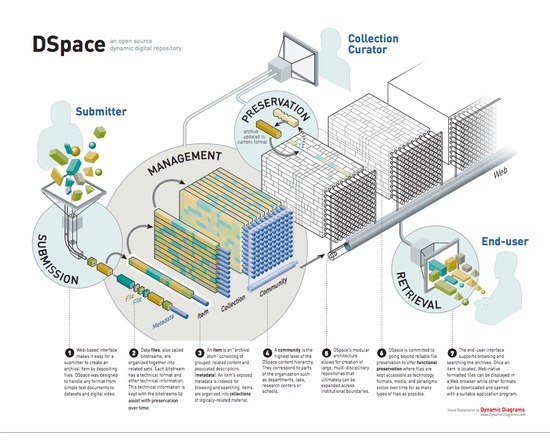
DSpace is the software of choice for academic, non-profit, and commercial organizations building open digital repositories. It is free and easy to install "out of the box" and completely customizable to fit the needs of any organization. DSpace preserves and enables easy and open access to all types of digital content including text, images, moving images, mpegs and data sets. DSpace has an active community of developers and is used by thousands of institutions worldwide.

Rated 0.0 out of 5.

Publishing

Archive-It

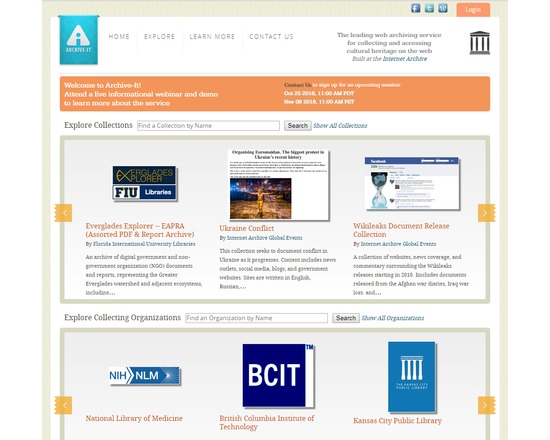
Archive-It is a subscription web archiving service from the Internet Archive that helps organizations to harvest, build, and preserve collections of digital content. Through our user friendly web application Archive-It partners can collect, catalog, and manage their collections of archived content with 24/7 access and full text search available for their use as well as their patrons. Content is hosted and stored at the Internet Archive data centers.

Rated 0.0 out of 5.