Skip to content
TAPoR Text Analysis Portal for Research

Tools

Sort by Name Rating ↑ Date

Collaboration

Diva.js

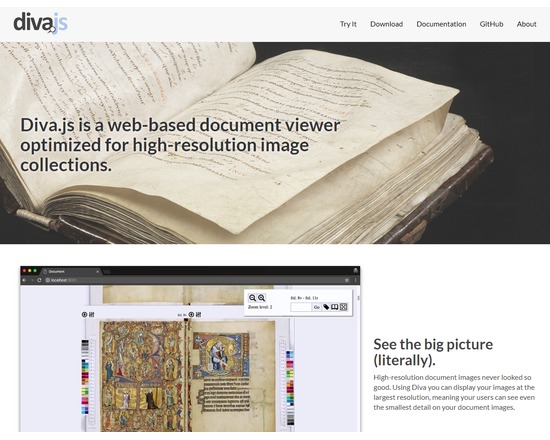
Diva.js (Document Image Viewer with AJAX) is a JavaScript book image viewer designed to present multi-page documents at multiple resolutions. Using Diva.js, high resolution images can be delivered to scholars interested in studying fine details of archival collection images.

Rated 0.0 out of 5.

Visualization

DH Press

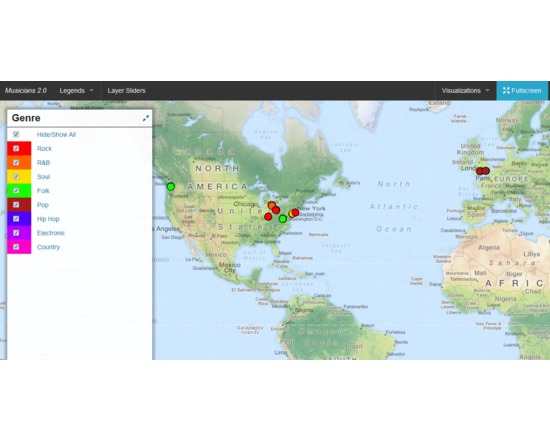
DH Press (originally called diPH) is a toolkit conceived as an easy-to-use WordPress plugin which allows potentially every kind of user to visualise and mashup historic and geographic information, documents and various types of multimedia content to develop digital humanities project. The user cannot start from the toolkit itself, as the first step to set up a project, when the toolkit is already installed, is a CSV import. This means that the raw information has to be processed first, through any software like Microsoft Excel or Google Spreadsheet, following some conventions dictated by the toolkit, and once completed must be exported in CSV format. The file can then be imported into DH Press. At this point, the user finally has full control over the data. First, the toolkit needs to be informed of what kind of data is in each column, as it can handle various types, such as Short Text, Long Text, Lat/Lon, Date, and Link. The steepest learning curve resides here, in the data management part, as the database must be set up very carefully, and fixing any problem later is complex. This does not mean that new users cannot approach the tool, but some basic research on data management is required to make correct use of it. After setting up all this fields, called “motes” in the toolkit, a legend can be assigned to each of them, for example a field called “city” might contain, through multiple entries, ten different cities, and to each of those will correspond the colour chosen by the user. It is also possible to assign icons or png images instead of colours. A single control panel then allows the user to create, set up and manage multiple visualisations of different kind, and in each of them the user can choose which information to display and how. This part is the most useful and is really straightforward. The last section of the control panel lets the user set up custom fields for data and run a test of the whole project, and outputs detailed error information. Following the training page, http://dhpress.org/training/, it is possible to take advantage of a pre-existing database, which can be used to quickly set up a project, so that one can instantly work on the main control panel. There is a detailed google document that guides the user through the process step by step, and also offers an even more detailed annex. A couple of hours is enough to go through all of it and get the necessary information to use it correctly. Then, any view can be quickly set up and customised in any desired way. Overall, this toolkit is quite stable, reliable, user-friendly after the first entry barrier and gives you a varied set of tools to visualise and display a large amount of data in a neat, organised manner. For a more detailed and personal review, please read http://claudiasartori.com/2015/01/tool-review-dh-press/

Rated 0.0 out of 5.

Collaboration

NowComment

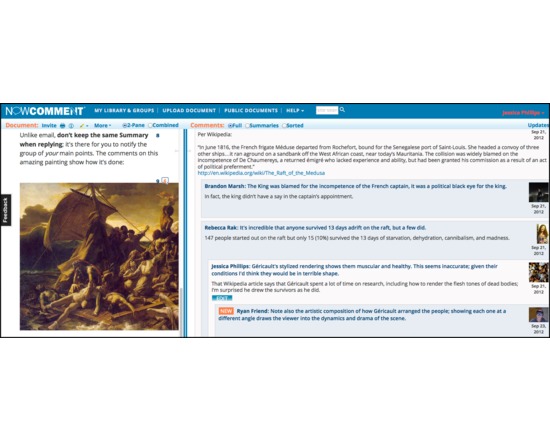
NowComment makes it easy to have rich, engaging discussions of online documents no matter how large (or small) your class or collaboration group. It's fast, powerful, and feature-rich: you can sort comments, skim summaries, create assignments, hide comments, highlight with multiple colors and meanings, and much more. Integrates to any LMS via LTI. Used in universities and K12 schools for the past 6 years.

Rated 0.0 out of 5.

Collaboration

Listango

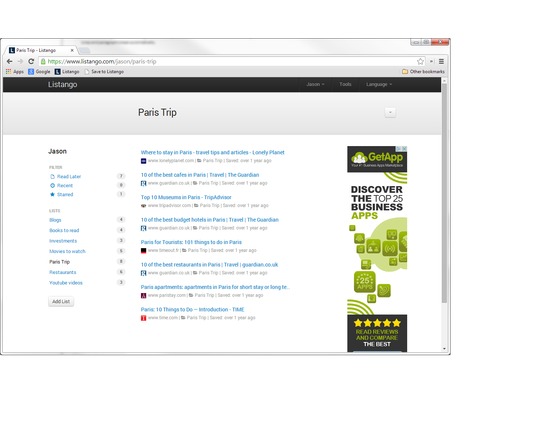
Listango is a free online bookmarking app. Users can save links to web pages and articles using a bookmarklet, organize their links into public or private lists, and share links with friends using Facebook, Twitter or email. Because it is web-based, users can access their bookmarks from any device, anywhere. Listango also offers a free IOS bookmarking app. Listango is designed to work on all modern web browsers, including Google Chrome, Firefox, Safari, and the latest version of Internet Explorer.

Rated 0.0 out of 5.

Collaboration

Pivotal Tracker

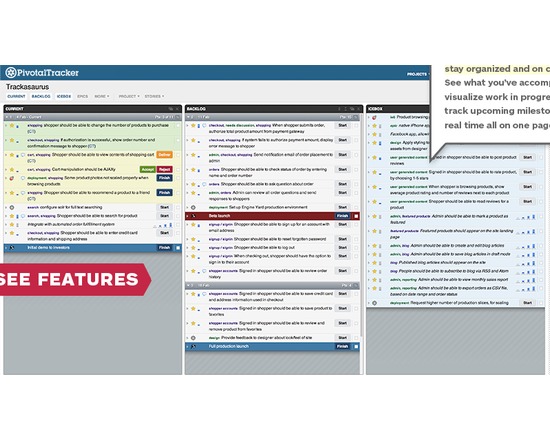
Share a project action board in real time, see milestones and upcoming goals. Easy-to-use features allows for edits in the project timeline, and the tracker predicts timeline for next goal achievement based on previously entered data. You can create individual project lines, or stories, that come together to create an epic, or larger project. There are charts showing your historical trends and anything else you'd like to monitor. This tool works with various other apps, listed here: http://www.pivotaltracker.com/community/app-bazaar

Rated 0.0 out of 5.

Collaboration

ProProfs eLearning Software

A powerfully simple eLearning authoring tool, ProProfs eLearning Software is ideal for the creation of online trainings or educational programs. Easy to use and extremely effective, ProProfs authoring tool can be used by educators and trainers alike to create high-quality courses and assessments that can be accessed anytime and from anywhere in the world. The eLearning software makes it easy for companies to save time and money by scheduling online training sessions for a team that may be spread across the world. Similarly, educational institutions can also benefit with by making and delivering online courses to students from across the globe. Key Features of ProProfs eLearning Software Create courses using existing PDFs & presentations Test understanding with quizzes & assessments Collect feedback with surveys & polls Advanced reporting and analysis Earn by selling your courses

Rated 0.0 out of 5.

Collaboration

SnagIt

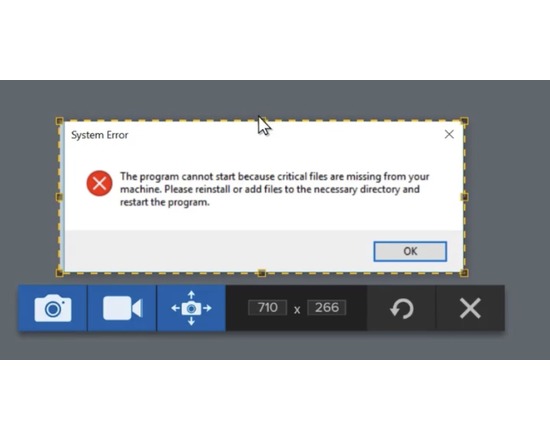
Simple screencasting and image capture tool. SnagIt is part of TechSmith's family of screen capture and video editing products. Jing offers fewer features, but is a free alternative. Camtasia is the most fully featured of the products, but also the most expensive.

Rated 0.0 out of 5.

Collaboration

Snapzen

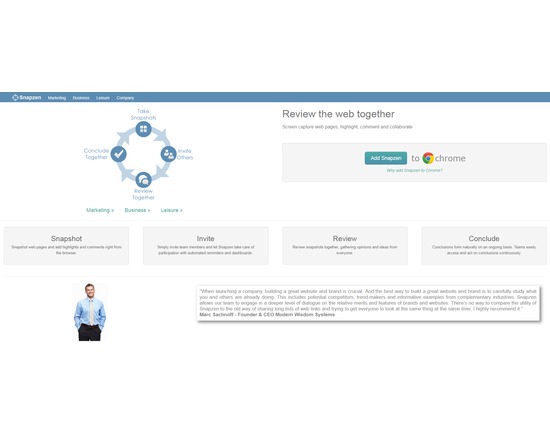
Snapzen is a browser tool that is used to collaborate with others about the information on any web page - right from your browser. Discuss information on web pages with your colleagues, friends or family. It is easy to collaborate with others because they see exactly what you see on the web pages. If you still use copy and paste, screenshot tools, email or chat to discuss web pages, Snapzen will show you a better way.

Rated 0.0 out of 5.

Collaboration

Nota Bene (NB)

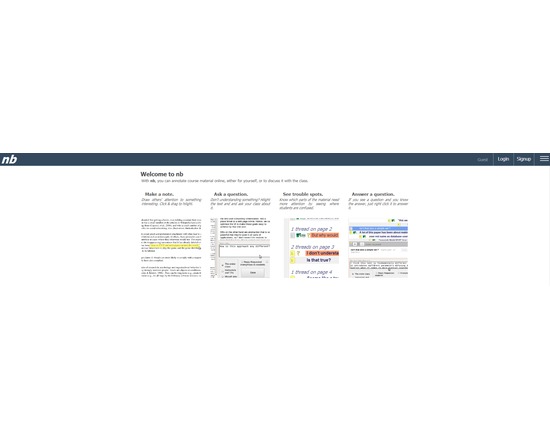
NB is designed for faculty and students to collaboratively annotate PDFs in an online environment. The faculty member can upload course material (e.g. readings), and make it available to their students. Students can then create public and private annotations on those PDFs. NB includes a feature for faculty and (optionally) students to download the resulting fully-annotated PDFs.

Rated 0.0 out of 5.

Collaboration

Mediathread

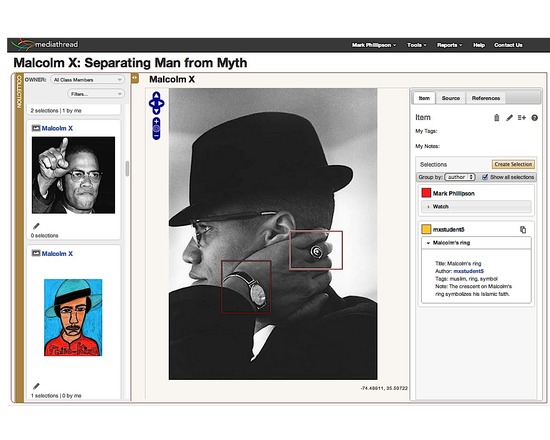
Mediathread is an open-source platform for exploration, analysis, and organization of web-based multimedia content. It interoperates with a variety of image and video collections (such as YouTube, Flickr, library databases, and course libraries), enabling users to lift items out of these collections and into a scholarly analysis environment. In Mediathread, items can then be clipped, annotated, organized, and embedded into compositions and other written analysis.

Rated 0.0 out of 5.