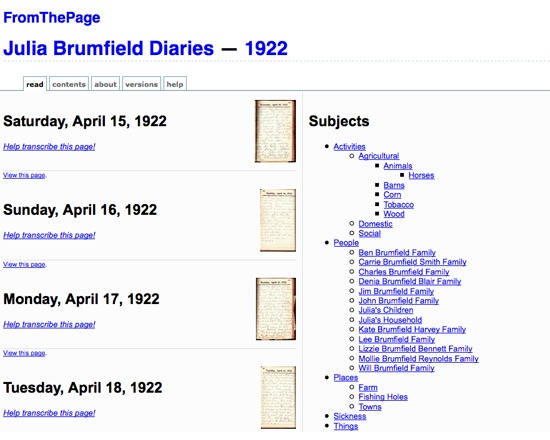
FromThePage is a free software for manuscript transcription, allowing volunteers to transcribe document pages online. Transcriptions can then be marked up and annotated in a wiki-like enviroment, with the resultant text displayed on the public web. It includes a discussion environment, enabling collaboration on particularly difficult pages. FromThePage is currently in beta, permitting up to 100 pages per project, and is in the process of developing a paid version for larger projects requiring more server space, with price determined primarily by server and maintenance costs. Privacy features are also under development, and further features forthcoming based on feedback from users.
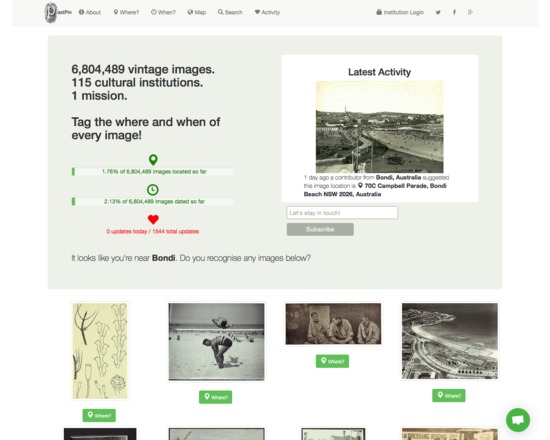
Pastpin is a cultural search engine that aims to showcase the 7M historical images available from Flickr Commons.
Users are prompted to add new metadata (geocodes, temporal data) to existing images that they may recognise based on their current location. The goal of the project is to crowdsource spatial and temporal metadata for these objects.
Visitors to the site can search or browse by using free text, or by going directly to the map and clicking on a thumbnail to view images directly.
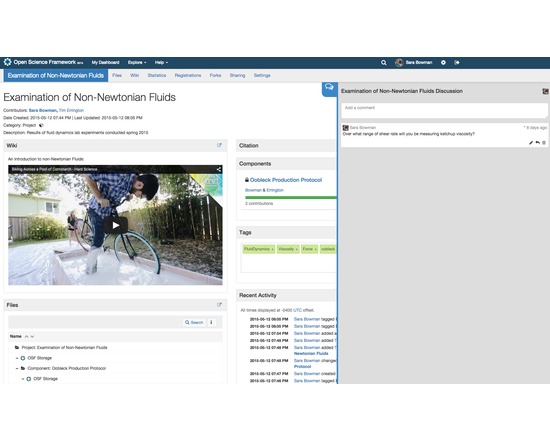
The Open Science Framework (OSF) is a free, open source tool designed to help researchers manage the entire research workflow: planning, execution, reporting, archiving and discovery. It is part collaboration software and part version control system. The OSF can be used to manage individual projects or large collaborative ones. Privacy and sharing settings allow for fine-grained control over access to files and materials stored on the platform - share privately with collaborators or publicly with the community at large. Each project, contributor, and file on the OSF is given a persistent unique identifier, making all research products citable. The platform also mints DOIs and ARKs through DataCite. A collaborative wiki allows contributors to work on writing materials simultaneously.
API connections with other services (Github, Dropbox, Box, Dataverse, Google Drive, figshare, Zotero, Mendeley, Amazon S3) allow researchers to connect other services they already use in order to see all their materials in one place. The OSF also offers a registry for preregistering research projects and/or analysis plans.
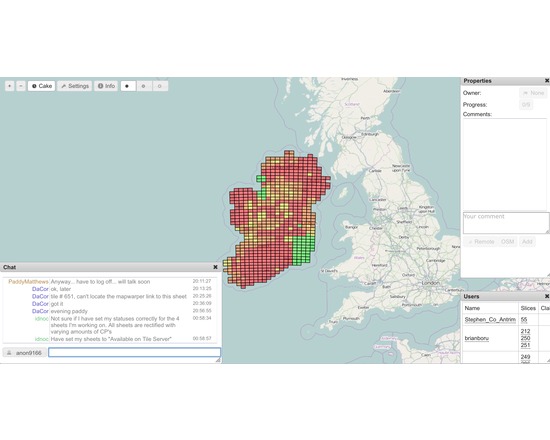
MapCraft is a tool for tracking mapping progress during a mapping party or other coordinated project taking place in a concentrated area. It shows a cake diagram as a bunch of clickable areas, with the ability to take ownership of cake slices, as well as commenting on them, and chatting to eachother about it. It takes the concept of a "cake diagram" and makes it more dynamic.
The tool also allows rating the cake slices by progress, which is then shown prominently as different colourisation. This was designed for realtime collaboration on sketching aerial imagery. It was conceived by and for the Russian OpenStreetMap community.
It provides a means to self-manage a community, crowdsourced mapping project.
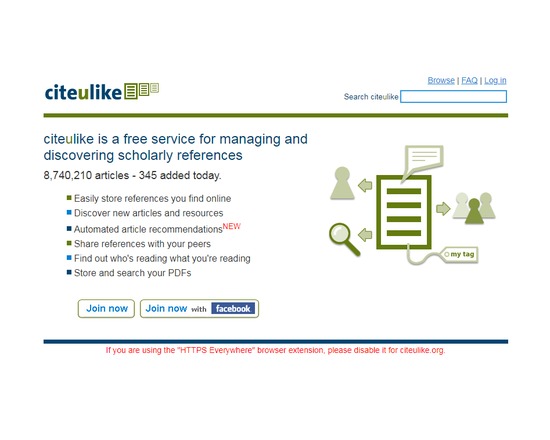
CiteULike is a free service to help you to store, organise and share the scholarly papers you are reading. When you see a paper on the web that interests you, you can click one button and have it added to your personal library. CiteULike automatically extracts the citation details, so there's no need to type them in yourself. It all works from within your web browser so you can access it from any computer with an Internet connection. CiteULike supports annotation and rating of items, and upload of attachments (e.g. PDF file). (Attachments are only accessible privately by individual users). Bibliographic entries can be imported singly or in batches using BibTex or RIS formats.
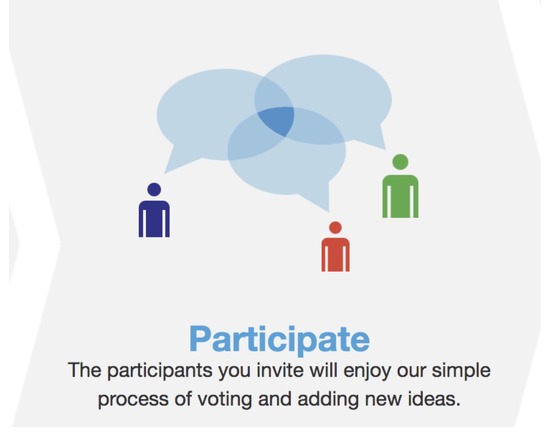
All Our Ideas is a research project that seeks to develop a new form of social data collection by combining the best features of quantitative and qualitative methods. Using the power of the web, we are creating a data collection tool that has the scale, speed, and quantification of a survey while still allowing for new information to "bubble up" from respondents as happens in interviews, participant observation, and focus groups.
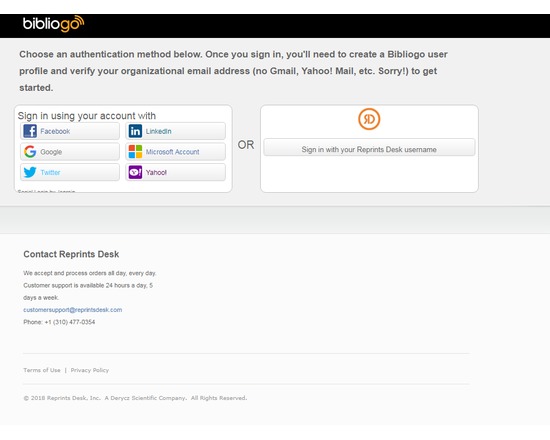
Bibliogo is a journal article web app that allows you to create and share bibliographies, manage journal alerts, follow feeds, tag citations, and order articles. You can connect your LinkedIn account, and others, with this web-based app.
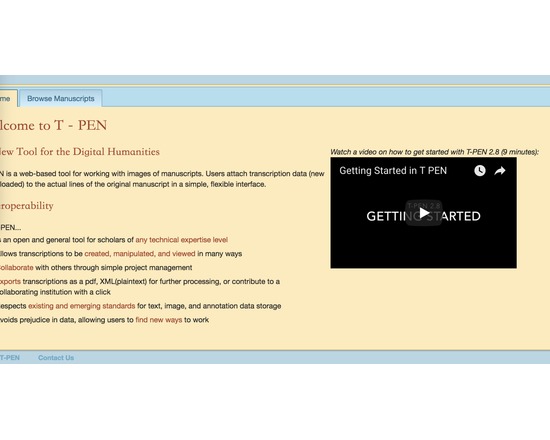
Extensive set of tools to allow collaborative transcription of manuscript pages in TEI-compliant XML.
Features of T-PEN through version 1.2 [from project blog]
Zoom Tool in Transcription User Interface: Holding CTRL+SHIFT will result in a magnified image of the current line being transcribed.
Magnifying Tool in Full Page View: Click on "Magnify" button at the top right of the browser window and a magnifying glass tool will appear as the mouse pointer. Click on the same button to dismiss the tool. The magnifying tool is also available in the Compare Page feature.
Create a Project “Pipeline” to the outer world: In partnership with The Carolingian Canon Law Project (CCL), T-PEN developed a model for enabling users working on transcription projects in T-PEN to export their work to a larger, external project. In this instance, the CCL prepared for T-PEN an XML-markup template (XML button set) that may be used for all transcriptions destined for the CCL database. Users identify their T-PEN projects as destined for the CCL, and when the transcription is complete, they can submit it from T-PEN to the CCL project. The CCL receives notification of the stable URL in T-PEN that the CCL can (either manually or by automation) use to extract the designated transcription from T-PEN’s data store. Other projects interested in creating their own pipeline should contact T-PEN via t-pen.org
T-PEN Administration: T-PEN administrator can clear registration requests that have not been approved (ones that were mostly generated through internal testing).
Transcription UI: The previous line text will scale to the size of the screen. When on the first line of the page, available text from the last line of the previous page will be shown.
Visual Cue for Closing Tag Proximity (Transcription UI): Closing tags originating on previous pages are faded to indicate their distance from the current line of transcription.
Transcription Preview: The preview tool now applies a simple color filter to to allow for a more clear view of your transcription.
New Project Option Tools: Users can add a French/English dictionary, a dictionary for Middle English and the Dictionary of Old English (subscription required). User can select which tools will be available in the Transcription UI’s i-frame. All tools can also be renamed by the user on the project management page.
Exporting Transcriptions: When exporting xml, users can select or deselect all the tags for inclusion at once.
Line History (Versioning): T-PEN distinguishes between all versions of any transcription line. Users can view previous versions of a given line. A change in a line is defined as addition or deletion of a single character (including white space) or modifications to the line parsing coordinates. A previous version can be selected to replace the current version. All versioning activity is recorded in the project log, which can be viewed on the project management page under the Collaboration tab.
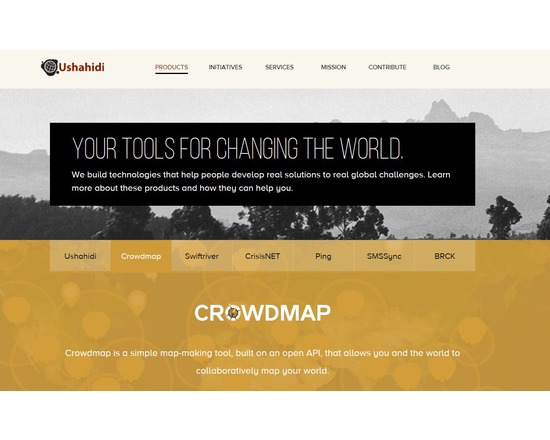
For $10/month, users can buy fee-based services including private maps and custom branding.
Users have complained that Crowdmap is glitchy and unreliable. It is hard to find recent examples of successful projects built with the app. There is no other free and open source tool that fills the precise niche. For a freemium closed source service that allows crowdsourced point data only, try ZeeMaps. For a fee-based, open source crowd mapping tool, try the shared tables function of CartoDB.